
Listrak#
Overview#
Talkable offers seamless integration with Listrak to enhance your marketing and communication efforts by synchronizing email and phone number data. With ESP apps clients can synchronize emails that Talkable acquires with their ESP.
This integration is divided into two components:
Listrak Email Marketing Talkable synchronizes all people who opt in for Talkable email marketing during sign-up, ensuring all your emails are stored in one place in an automated way.
Listrak SMS Talkable syncs phone numbers to Listrak and enables the setup of reward SMS messages for campaigns, enhancing customer engagement through direct messaging.
Here are the conditions when Talkable acquires emails and phone numbers:
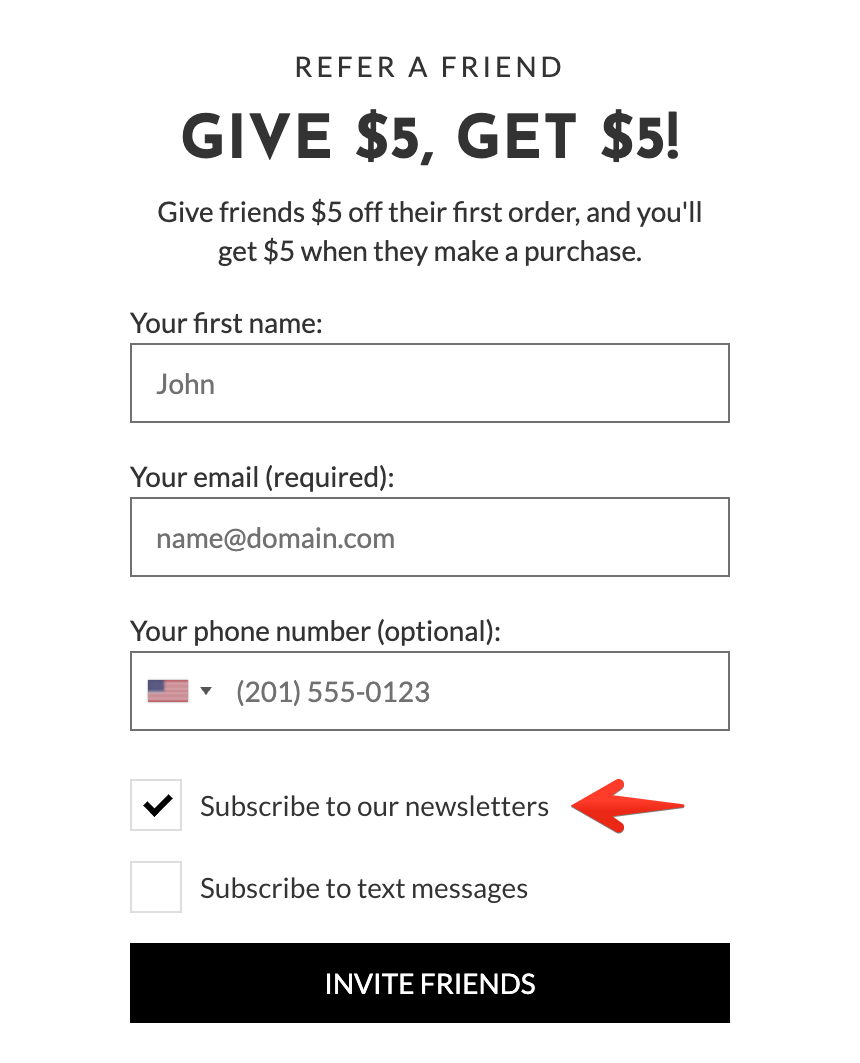
Advocate signs up and opts in for Talkable marketing emails:
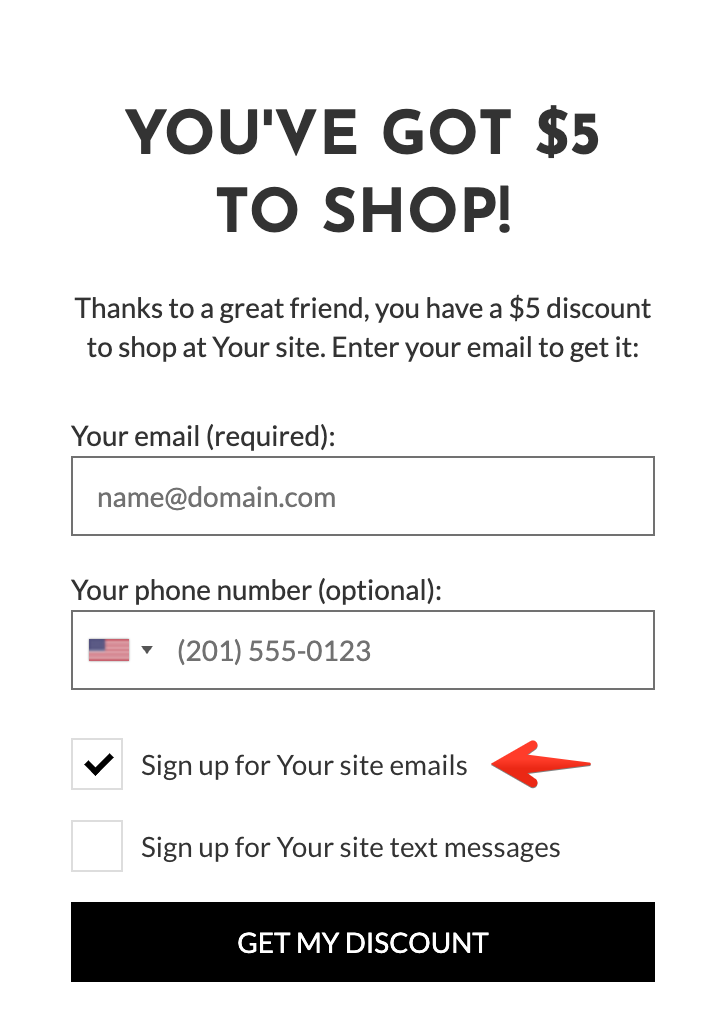
A friend passes email gating and opts in for Talkable marketing emails:
Available Data Fields#
Each ESP application allows custom attributes to be included with each request. The following interpolation variables are allowed:
{{ person }}- a data object for either advocate or friend whenever they sign up or pass email gating and opt-in for marketing emails{{ ip }}- a data object from which IP address either a signup or email gating occurred{{ campaign }}- a data object with details about the campaign within which the email was captured
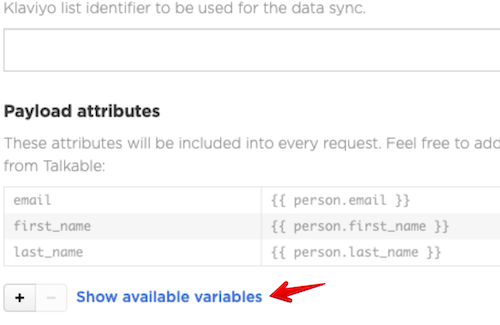
Each variable is described in the “Available variables” sidebar and can be expanded to see all nested properties.
How to Set Up#
Please use the following guide to start using the Listrak app:
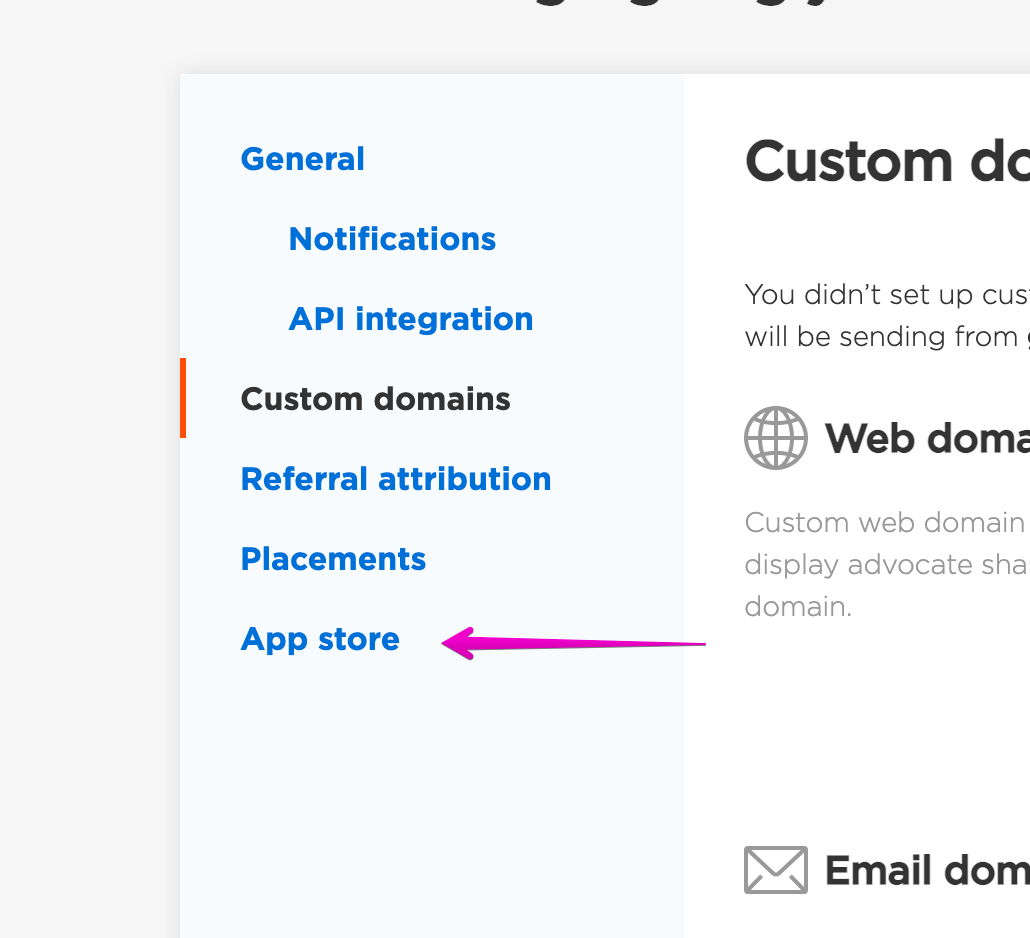
Navigate into the App store:
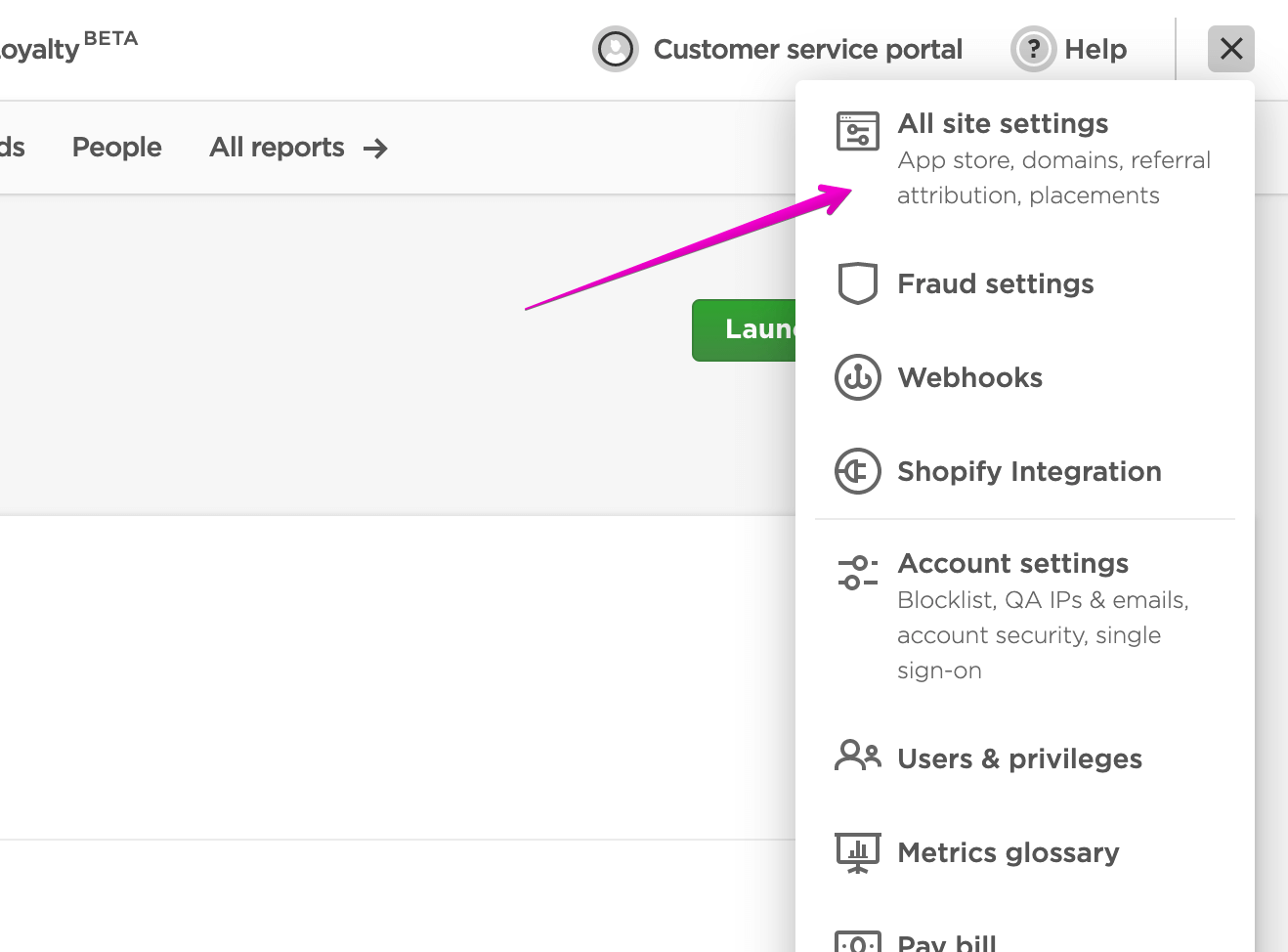
Choose the Listrak app and click “Install”
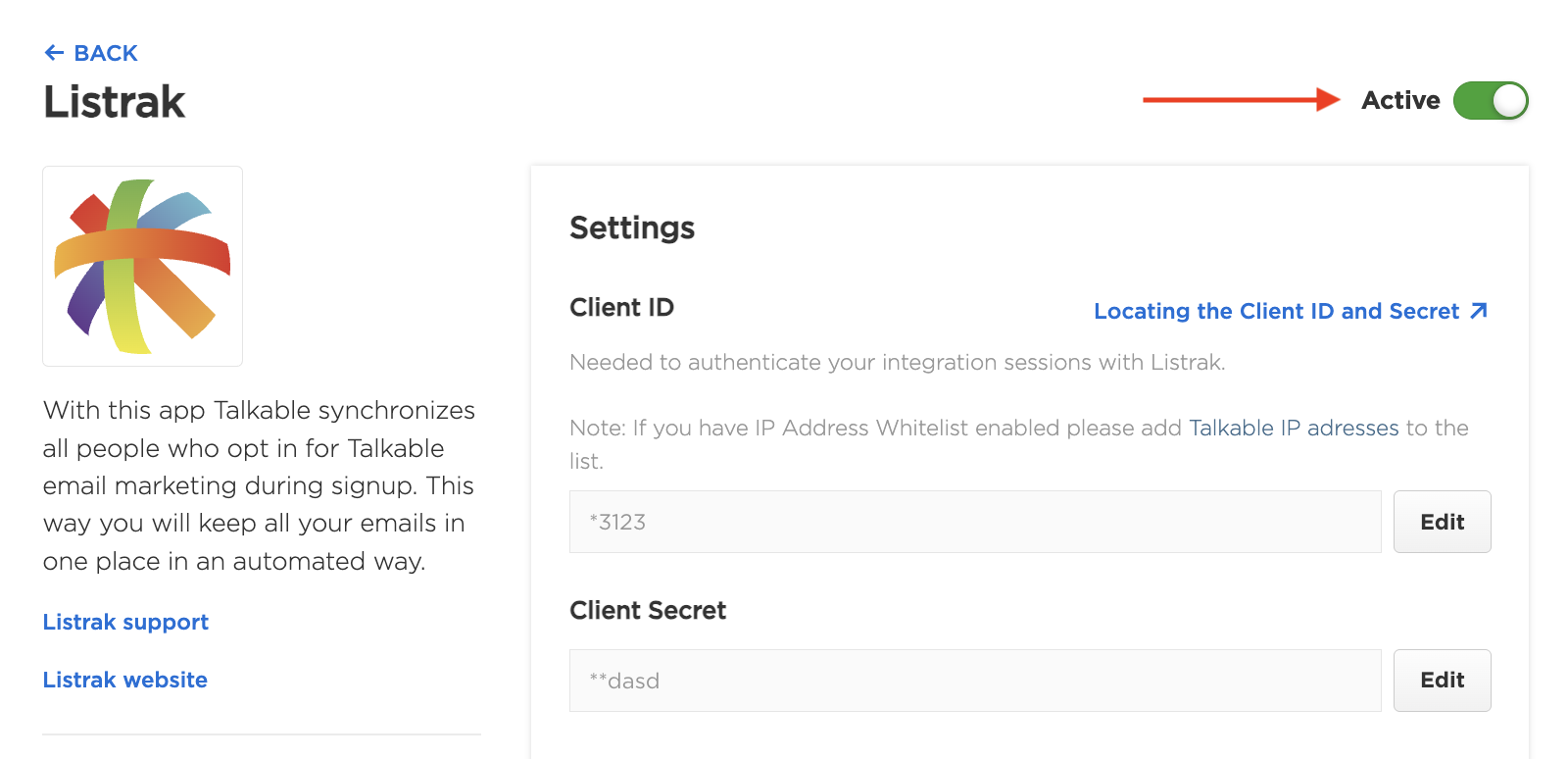
Fill in all necessary fields. You can use tips on the right that instruct how to find all necessary credentials.
Complete installation in Talkable and enable the app:
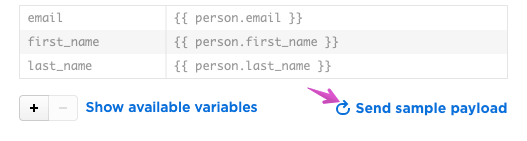
Test the app by pressing “Send sample payload” and then check if you are seeing a test request inside your Listrak:
Contact us
Interested in setting this up? Contact your CSM or get in touch here.